How to stop opening distracting apps automatically
If you find yourself in an app before you consciously chose to open it, add a small interruption to that routine. Start with the simplest change that helps; make access harder only where you need it.
1. Remove the easiest cues
Move the distracting app off your home screen and turn off notifications you do not need. This adds a moment to notice what you are doing without blocking access. It is a good first step if your main trigger is seeing an icon or alert.
2. Try your phone's built-in limits
iPhone Screen Time and Android Digital Wellbeing offer app limits and focus controls. They are useful when a schedule or daily allowance matches the way you work. Check your device's settings to see which controls are available and how easily you can override them.
3. Add a physical pause before access
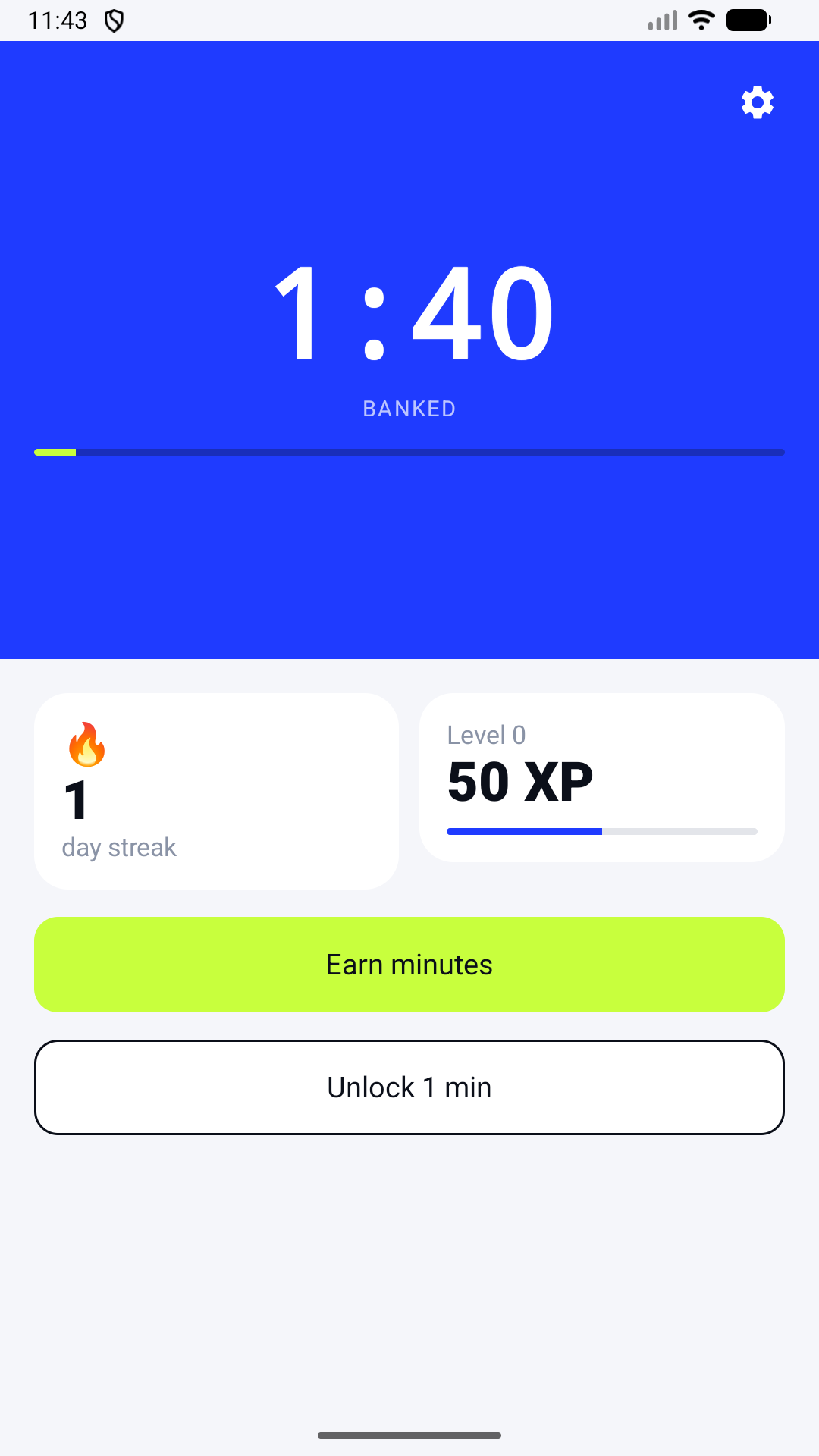
If you want a more deliberate exchange, Fitlock blocks selected apps until you complete a short bodyweight workout and earn unlock minutes. The camera counts reps on your device. This approach gives you a concrete action before opening an app, while allowing you to spend the minutes you earn.
Pick the smallest useful boundary
Try one change for a few days and observe whether it reduces accidental opens. Keep essential tools accessible. If you choose Fitlock, note that app blocking requires device permissions and may vary by operating-system behavior. Fitlock requires a subscription after any applicable trial.
Fitlock is available for iPhone and Android.
Want movement to be the pause?
Choose your distractions, finish a set, and bank the minutes.
Get Fitlock