An app blocker that makes you exercise before unlocking apps
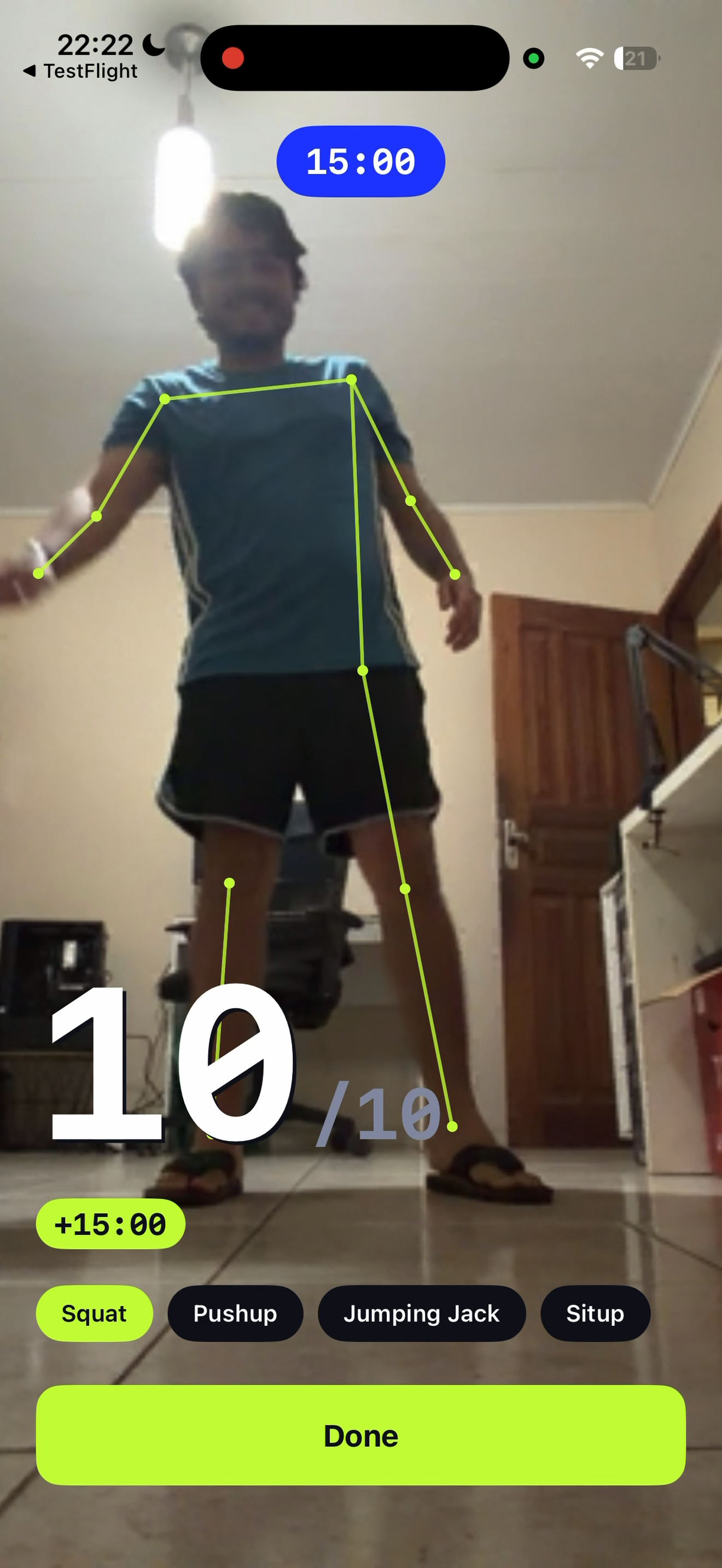
Fitlock lets you choose distracting apps to block, then earn temporary access by finishing a short bodyweight workout. The camera counts your reps on your device; completed workouts add minutes to your bank.
How the unlock works
- Choose the apps you want Fitlock to block.
- Pick a bodyweight exercise and complete the rep goal. Fitlock supports squats, push-ups, sit-ups, and jumping jacks.
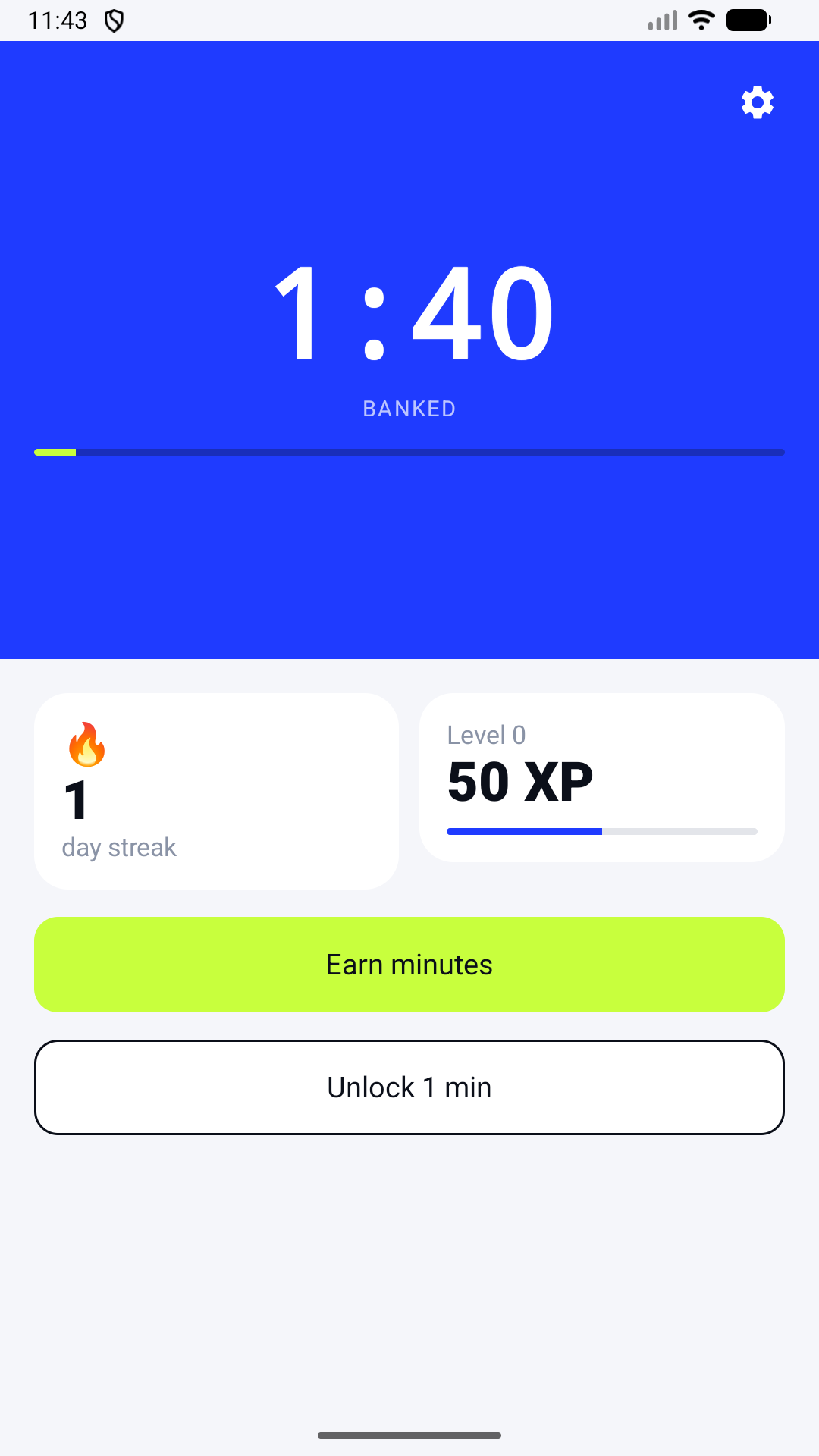
- Bank the minutes you earn, then use them when you want to open a selected app.
Fitlock creates a physical pause before a habitual tap. You choose whether the app is worth the effort and when to spend your earned time.
What you need to know
Fitlock needs camera permission for rep counting and platform permissions to block selected apps. Workout camera frames are processed on your phone; Fitlock does not record or upload workout video. Blocking depends on device permissions and operating-system behavior, so it cannot be guaranteed on every device.
Fitlock is available on the App Store for iPhone and Google Play for Android. A subscription is required after any applicable trial; the store shows current terms before purchase.
Try the exchange
Choose one app you open on autopilot. Set a short exercise goal, then decide whether you still want to open it.
Get Fitlock