How to earn screen time by exercising
The idea is simple: before opening an app that usually absorbs your time, complete a small movement goal. With Fitlock, finished bodyweight workouts add unlock minutes to a bank you can spend later.
Start with one distraction
Pick an app you often open without meaning to. A short list is easier to manage than blocking everything. Fitlock lets you select which apps to restrict, so your essential apps can stay available.
Do a short set
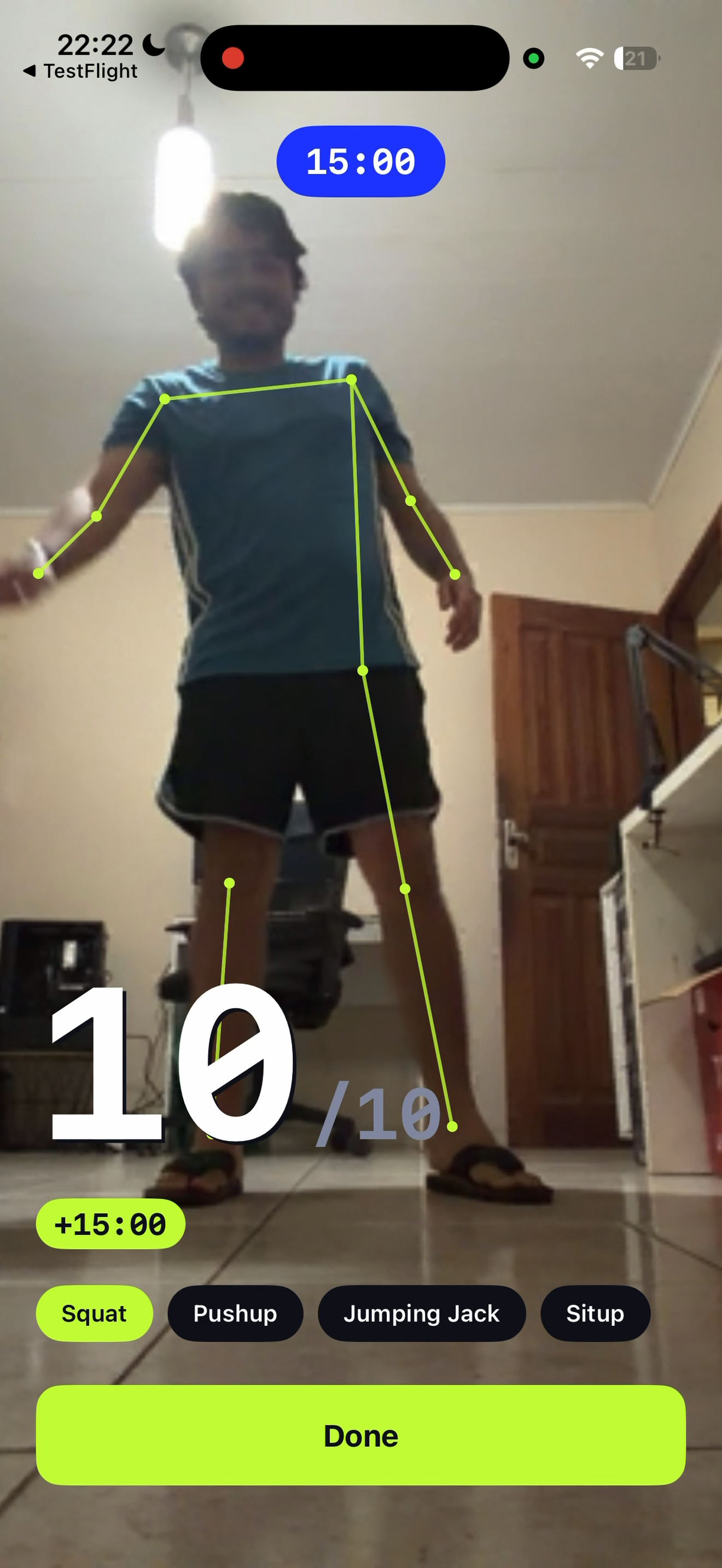
Choose from squats, push-ups, sit-ups, or jumping jacks. Fitlock uses your phone camera to count reps on-device. Finish the goal to earn minutes; there is no need to record or upload a workout video.
Spend the minutes deliberately
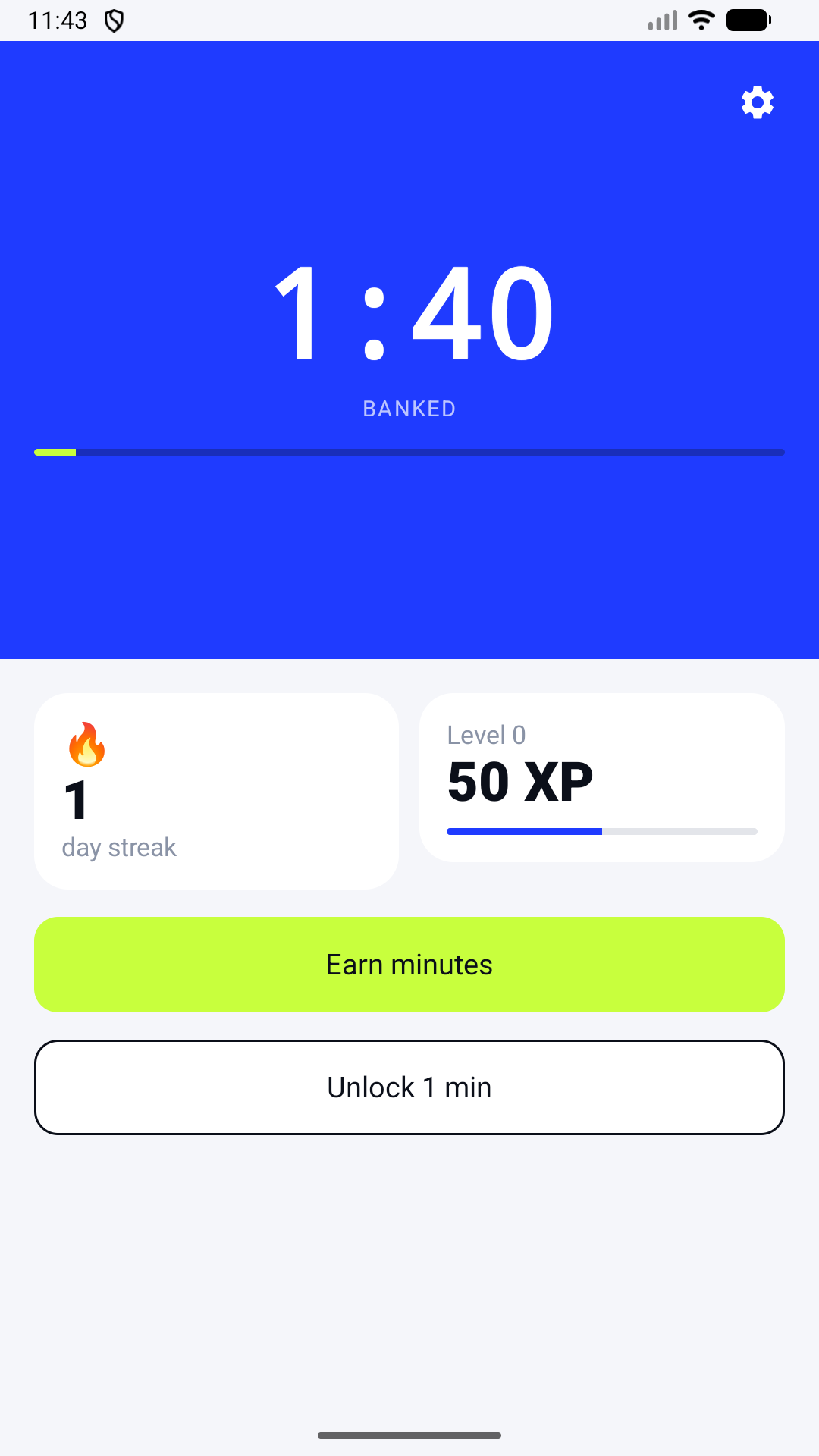
Earned minutes go into a bank. You can use them to unlock the selected apps when you actually want to. The point is the pause between impulse and access, not a promise that every screen-time habit disappears.
Is this a fit for you?
Fitlock suits people who want a concrete action before opening distracting apps and are comfortable with light bodyweight movement. Exercise within your ability. Stop if you feel pain or dizziness. If you prefer a simple timer or need to avoid exercise, a built-in screen-time limit may be a better choice.
Fitlock is available for iPhone on the App Store and Android on Google Play. A subscription is required after any applicable trial, with terms shown before purchase.